Go and look first: estimate visits and longer jobs
A price you can’t give yet: an estimate visit, then the work, from one quote.
This is the same guide as the “?” in Crewtide. Everything here is in the admin area: on a computer it’s the menu on the left, and on a phone it’s the menu button. The screenshots are from a demo business.
-
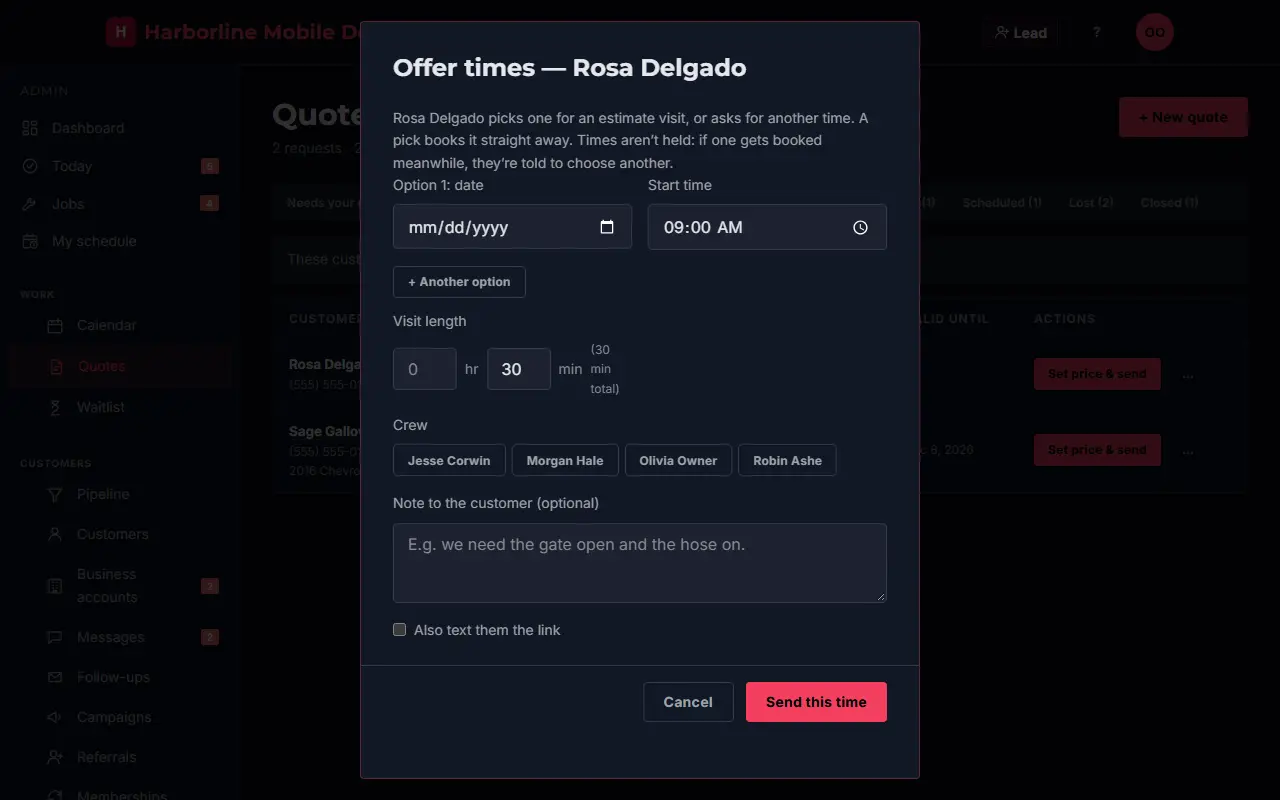
On a quote request (or a quote not yet approved), tap “Offer estimate times”: up to 3 times and how long the visit takes. The customer picks one.
What you should see: The estimate visit on the quote and the calendar.
-
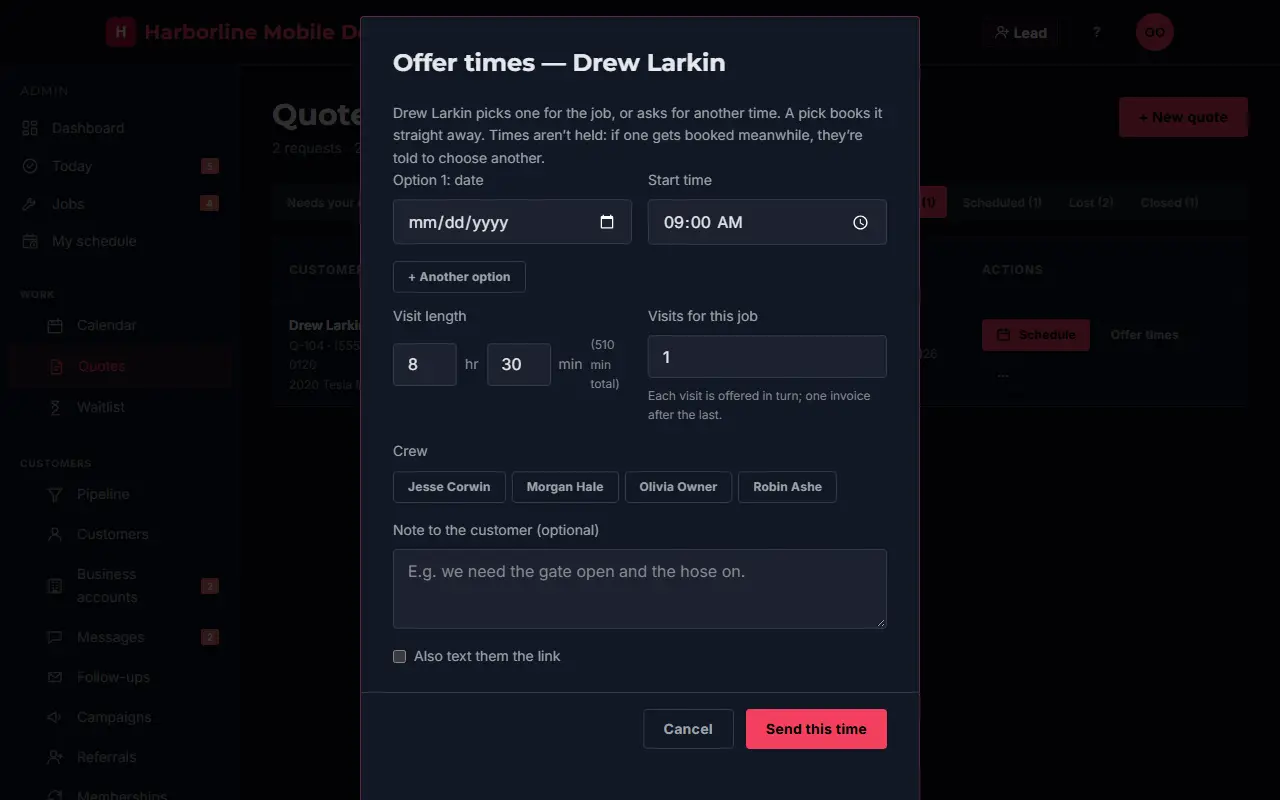
Once the quote is approved, “Offer times” for the work. Set “Visits for this job” for a job that takes more than one visit; each visit is offered in turn (“Offer times (visit 2)”), with its own name (“Paver sealing”) and length.
What you should see: Each booked visit on the quote and the calendar.
-
The invoice goes once the last visit is done (or as your invoicing settings say).
What you should see: The quote “Scheduled”, with its visits.


Stuck? Email Crewtide Support at contact@crewtide.app, or use Help & Support in the app.