This is the same guide as the “?” in Crewtide. Everything here is in the admin area: on a computer it’s the menu on the left, and on a phone it’s the menu button. The screenshots are from a demo business.
-
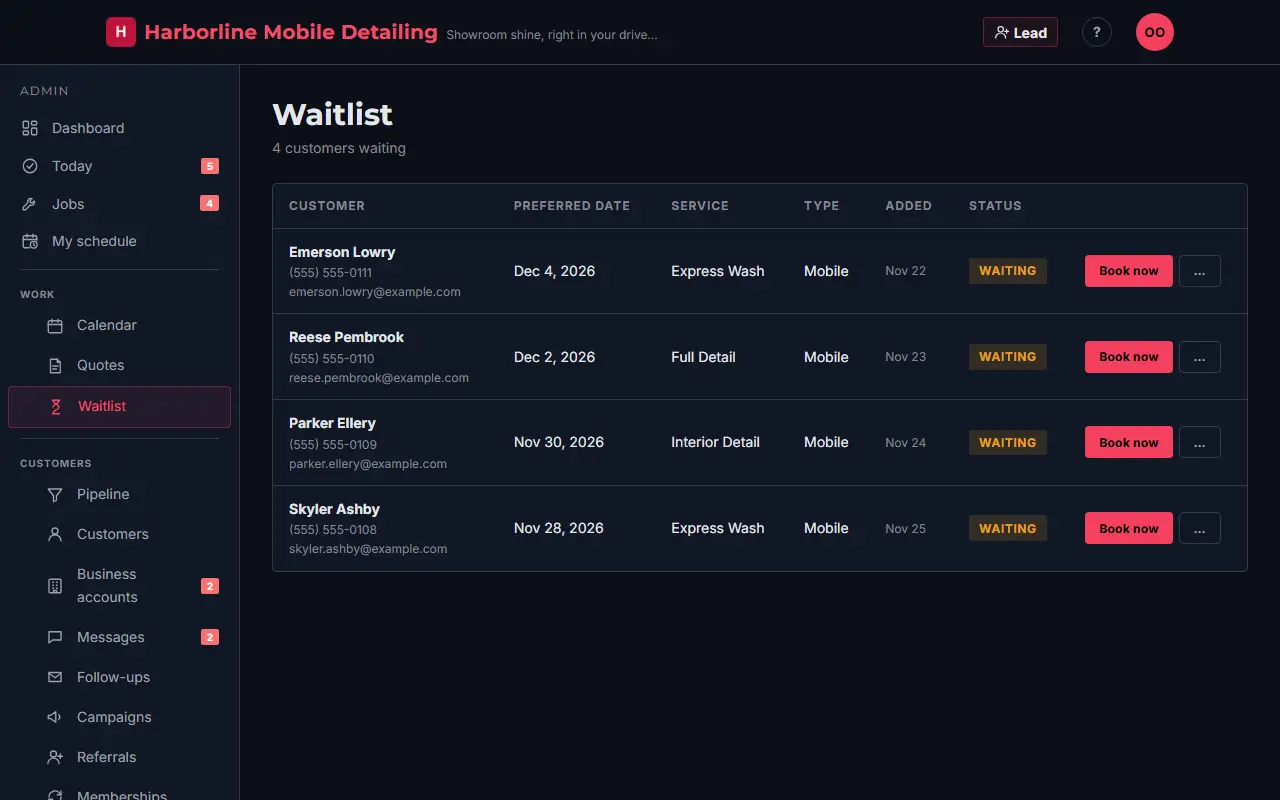
When there’s no open time on the day they want, customers can “Join Waitlist” on your booking page. Waitlist lists them, with the day they’d like and the service.
What you should see: Each customer waiting, and when they were added.
-
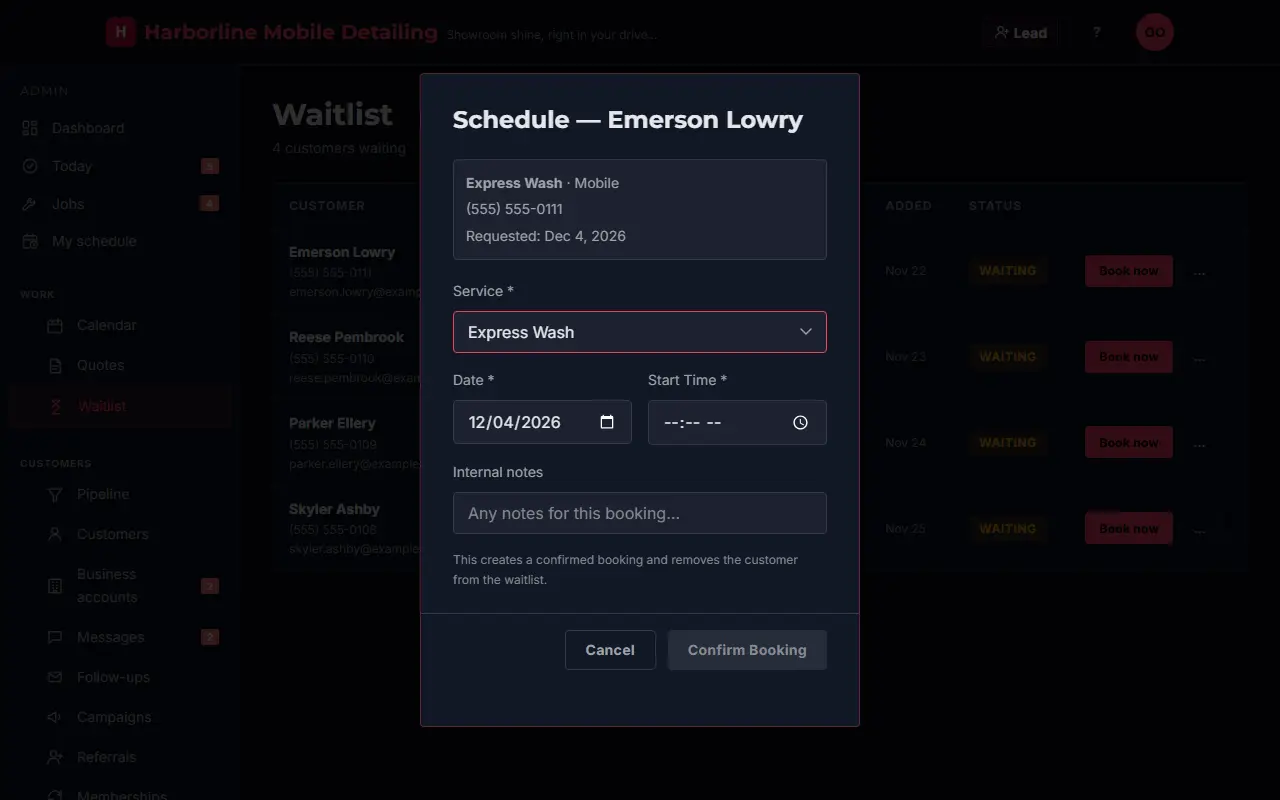
A time opens up? Tell them and tap “Mark Notified”, then “Book Now”: the service (already picked when they chose one), the date and the start time. Remove takes them off.
What you should see: The booking form for them, with the service, date and start time.


Stuck? Email Crewtide Support at contact@crewtide.app, or use Help & Support in the app.