This is the same guide as the “?” in Crewtide. Everything here is in the admin area: on a computer it’s the menu on the left, and on a phone it’s the menu button. The screenshots are from a demo business.
-
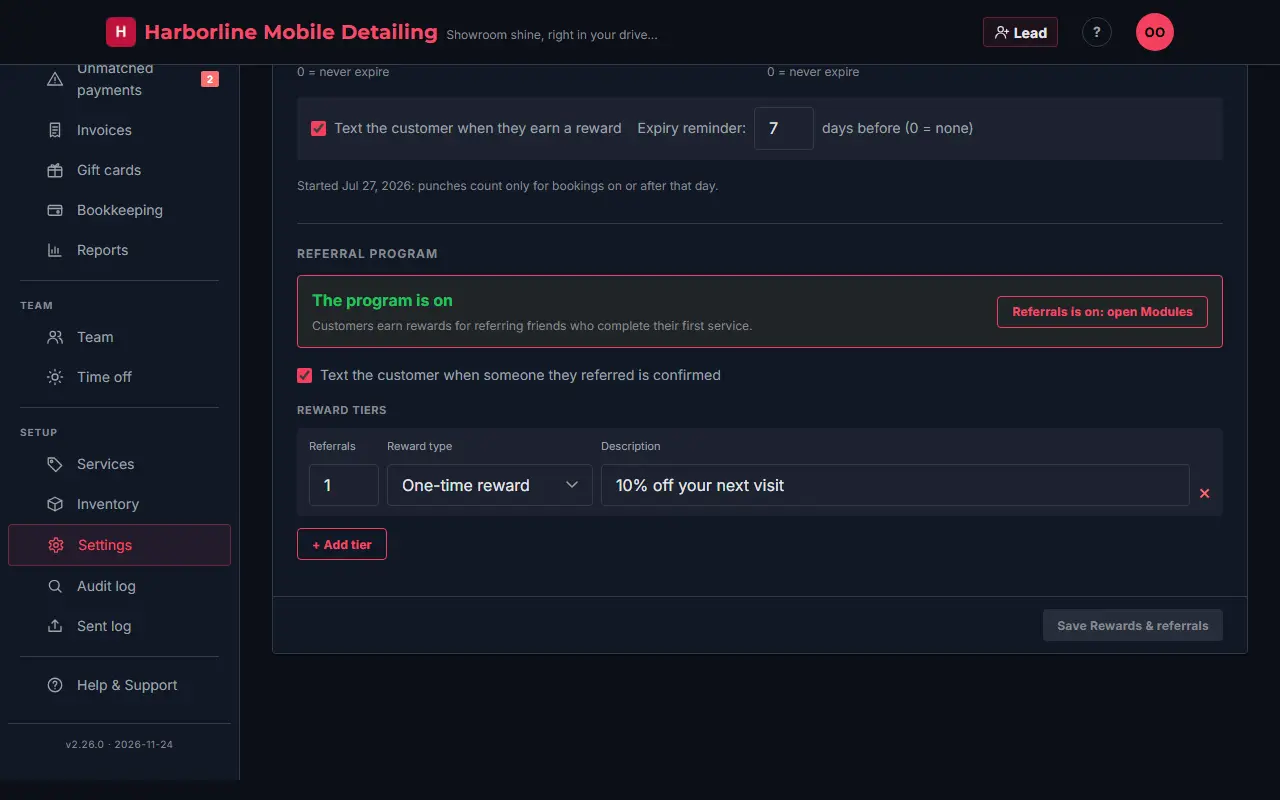
Settings → Rewards & referrals: switch “Referral program on” and set the rewards. Then tap “Save Rewards & referrals”.
What you should see: The referral program and its rewards.
-
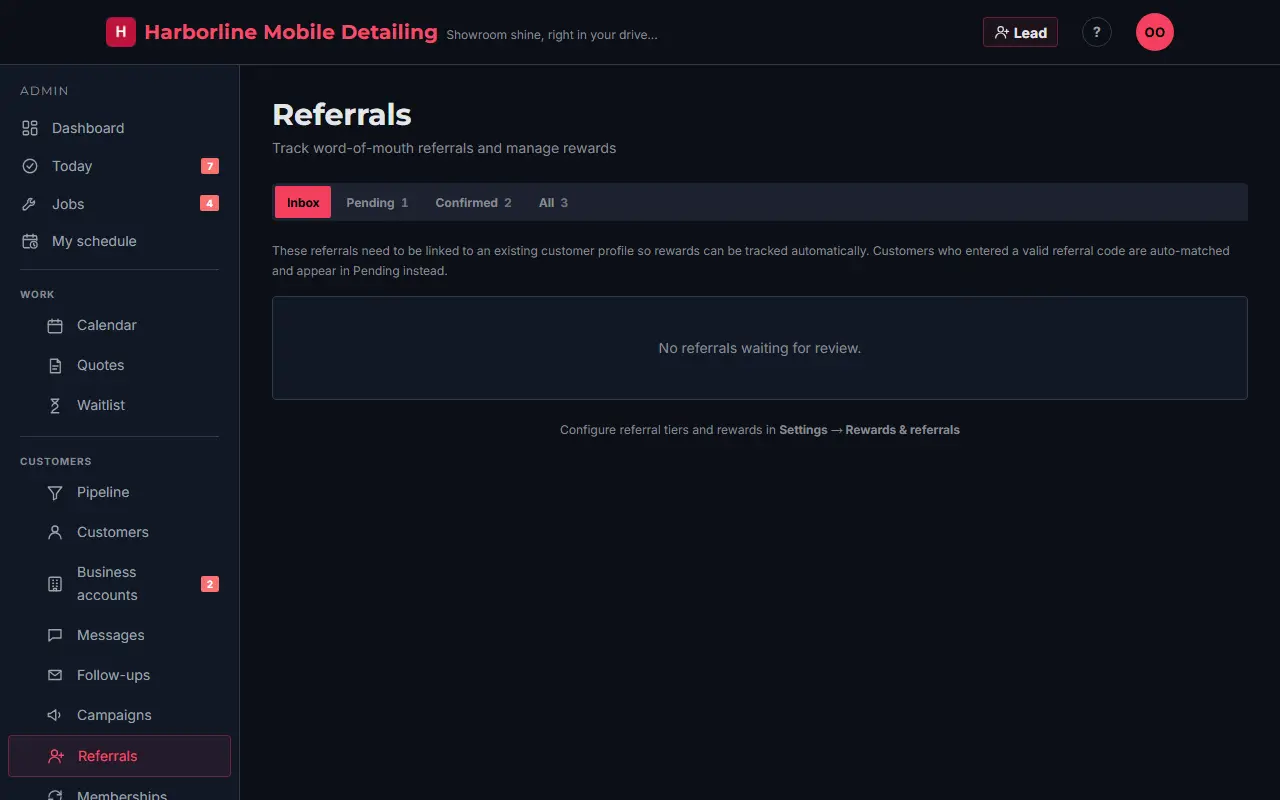
Referrals → Inbox: referrals to link to one of your customers (“Link Referrer”), or Disqualify. Someone who used a valid referral code goes straight to Pending.
What you should see: Inbox, Pending, Confirmed and All, with how many in each.
-
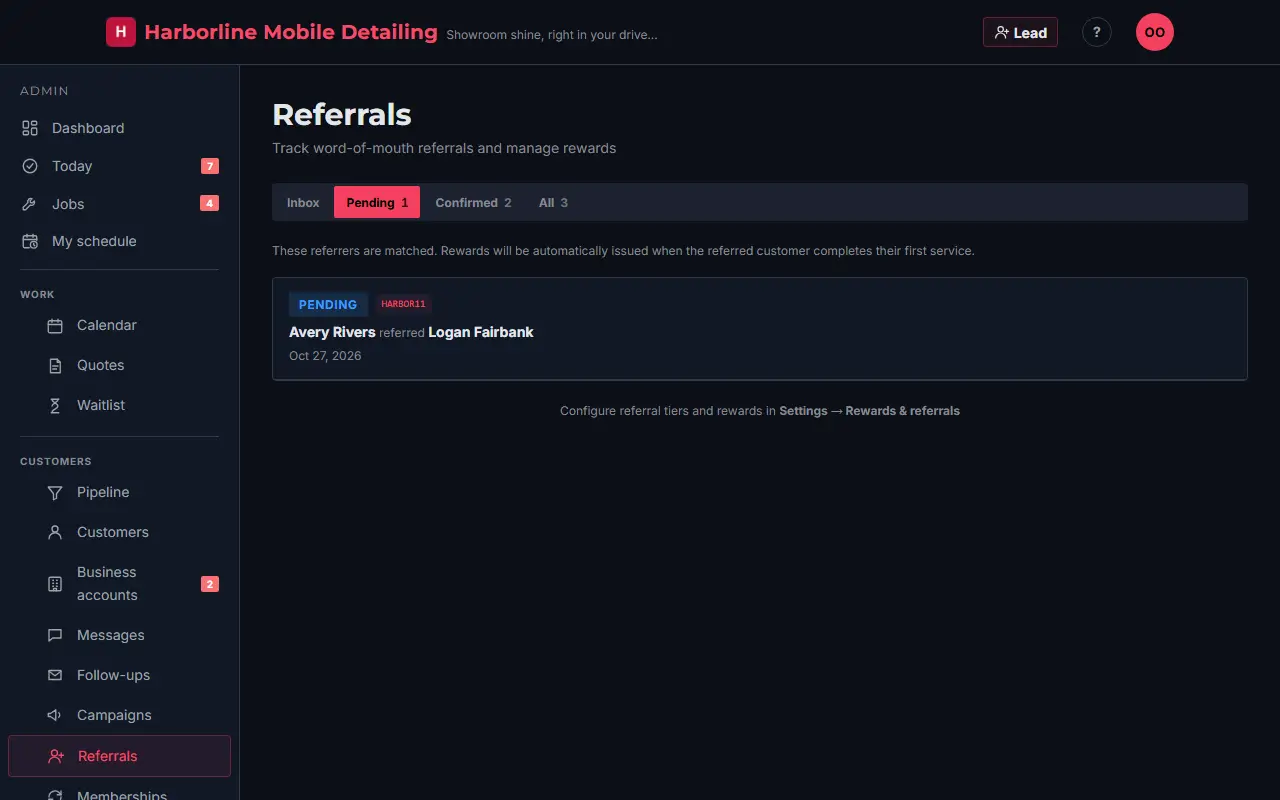
Pending: the reward comes once the new customer’s first job is done. A reward waiting for your OK has “Approve”.
What you should see: Confirmed referrals and their rewards.
-
A neighbor your team met at a job booked? “Waiting for your OK” at the top asks whether the job’s customer gets the referral reward: “Give it” or “No”.
What you should see: “Referral reward given” (or “Referral closed without a reward”).


Stuck? Email Crewtide Support at contact@crewtide.app, or use Help & Support in the app.
Next: Business accounts: companies you work for · All guides