Reports: how the business is doing
Revenue, bookings, busiest days, hours and profit for any period.
This is the same guide as the “?” in Crewtide. Everything here is in the admin area: on a computer it’s the menu on the left, and on a phone it’s the menu button. The screenshots are from a demo business.
-
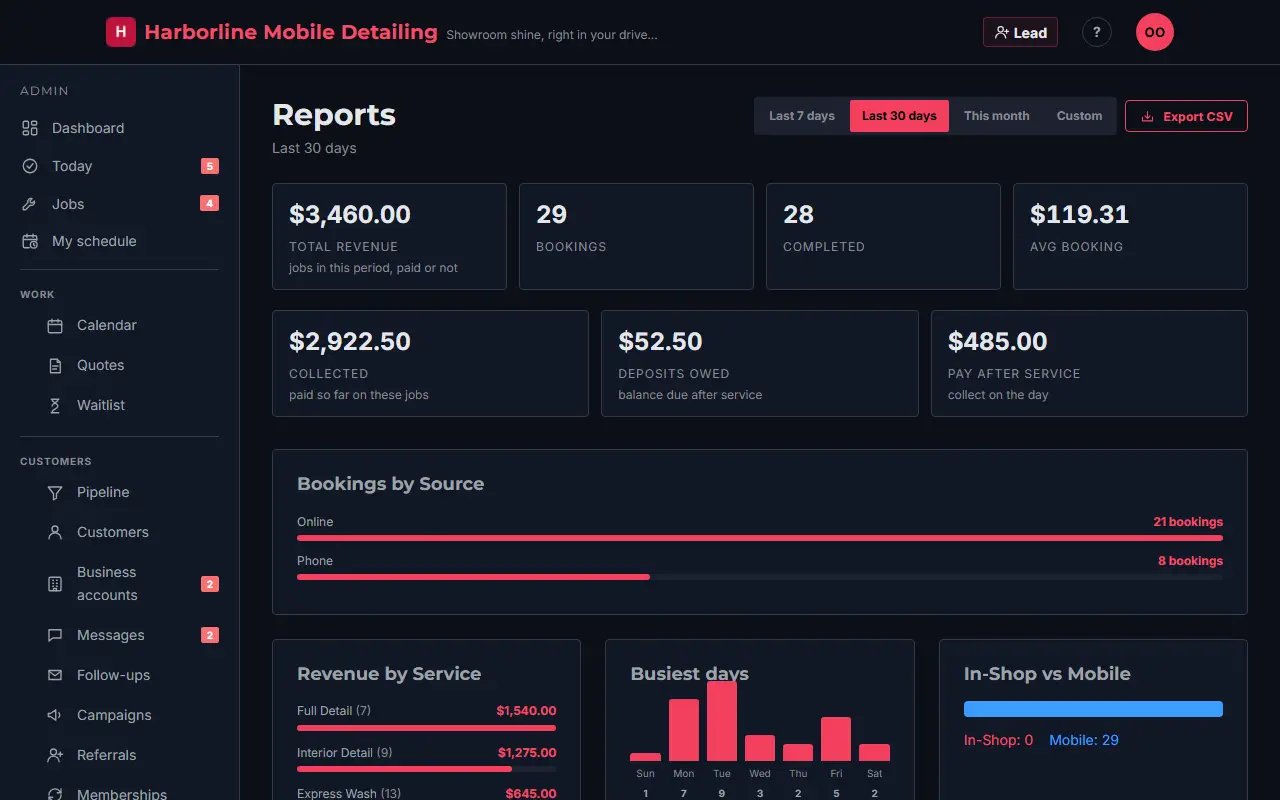
Reports: pick Last 7 days, Last 30 days, This month or Custom.
What you should see: Total Revenue, Bookings, Completed and Avg Booking at the top, then what’s been collected and what’s still owed.
-
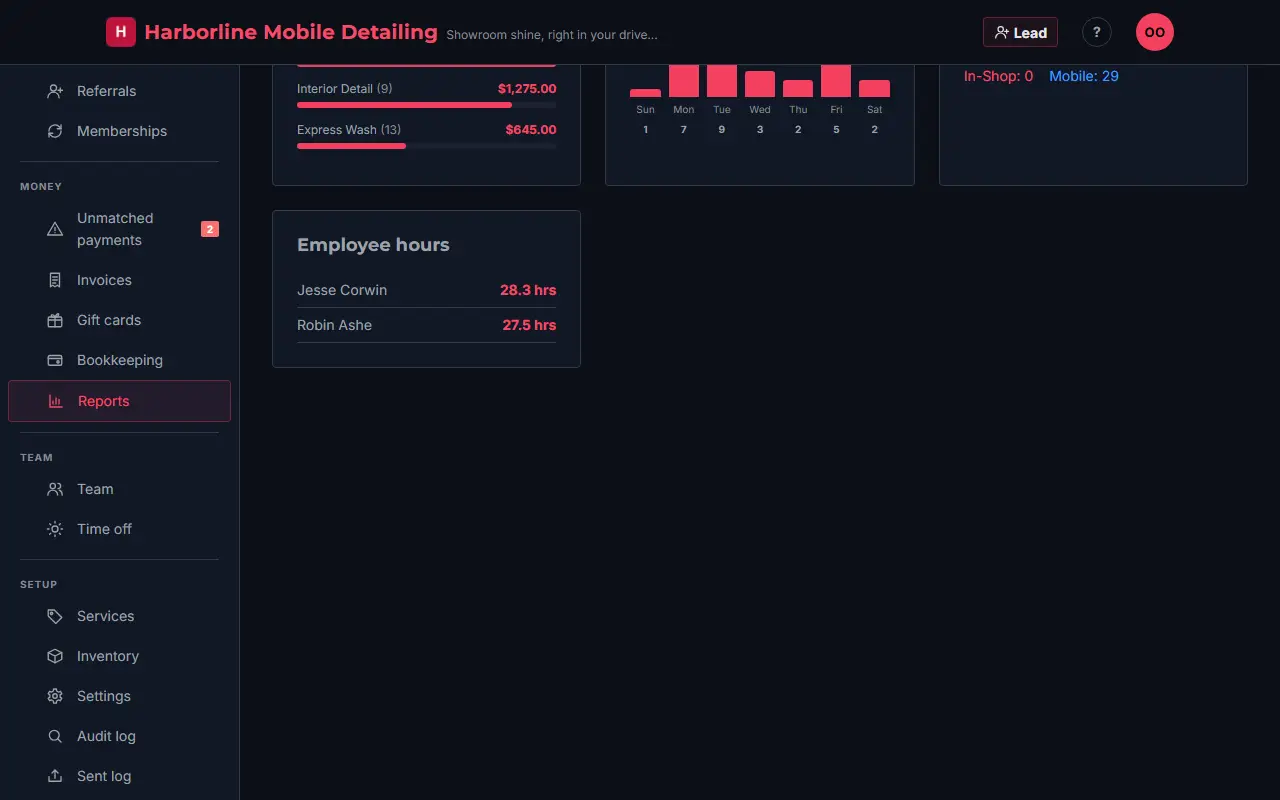
Scroll for Bookings by Source, Revenue by Service, Busiest Days, Employee Hours, Commission Summary and Job Profitability. “Export CSV” downloads the bookings.
What you should see: Each part as a chart or a table.


Stuck? Email Crewtide Support at contact@crewtide.app, or use Help & Support in the app.