This is the same guide as the “?” in Crewtide. Everything here is in the admin area: on a computer it’s the menu on the left, and on a phone it’s the menu button. The screenshots are from a demo business.
-
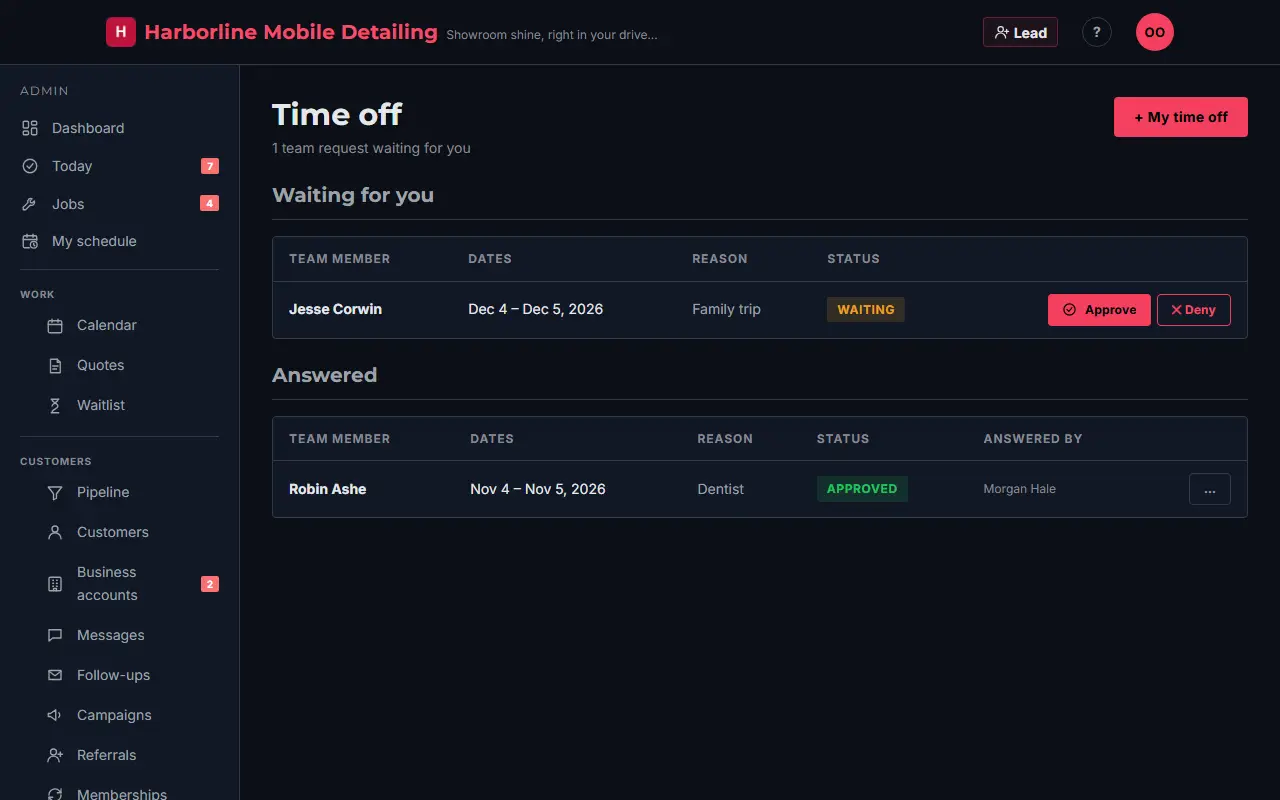
Time off lists your team’s requests waiting for you. Tap “Approve” or “✕ Deny”; they hear either way.
What you should see: How many requests are pending, at the top.
-
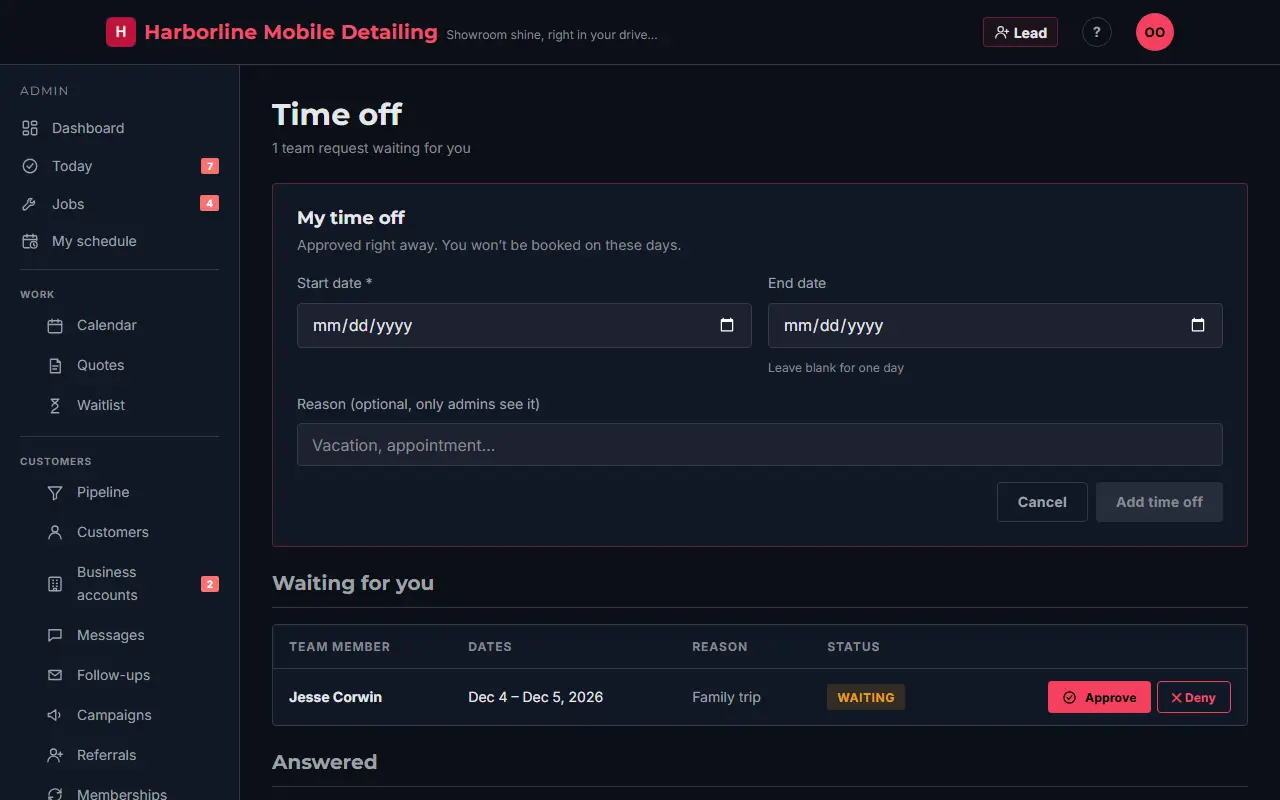
“+ My time off” adds your own days off, approved at once. Removed one by mistake? Tap Undo.
What you should see: Your days off under My time off.


Stuck? Email Crewtide Support at contact@crewtide.app, or use Help & Support in the app.
Next: Go and look first: estimate visits and longer jobs · All guides